Can't access your student email? Support is available!
Everyone with a student account also has a student email address and access to several other Microsoft 365 tools, such as OneDrive, Word and PowerPoint. To access these tools, you need to activate multi-factor authentication (MFA) by downloading an app. If you need help, you can always contact Servicecenter.
Everyone with a student account also has a student email address and access to several other Microsoft 365 tools, such as OneDrive, Word and PowerPoint. To access these tools, you need to activate multi-factor authentication (MFA) by downloading an app.
You can find instructions here: Activate MFA for your account. This page provides help with common issues that may arise during installation.
MFA is also required to access the University Library’s digital resources. Read more here on University Library website: Remote access to e-resources
IT support at Servicecenter Pedagogen - open to all
If you have issues with MFA, support is available. Servicecenter is the first point of contact for all questions related to the university’s digital tools and can, if needed, help you get in touch with IT technicians.
During the start of semester, IT technicians will also be available on site at Servicecenter Pedagogen on Västra Hamngatan 25. They are there several days a week and assist all students, regardless of faculty. See below for the days and times when support is available.
Before your visit
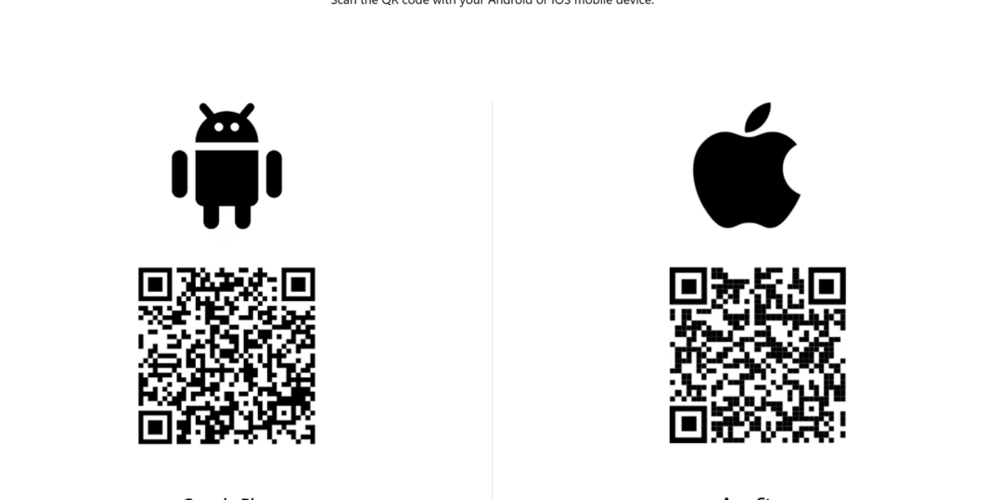
Prepare by downloading the Microsoft Authenticator app using the QR code below. You should also read the MFA instructions on the Student Portal.
Activate MFA for your account
Microsoft Authenticator app for mobile devices | Microsoft Security
Drop in times for help with MFA
Drop in IT support is available at Servicecenter Pedagogen, Västra Hamngatan 25:
Week 4
Monday 19 January, Tuesday 20 January and Wednesday 21 January, 12:00–16:00
Week 5
Monday 26 January and Wednesday 28 January, 12:00–16:00
Contact
If you have questions about MFA, you can always contact Servicecenter. Servicecenter will, if needed, put you in contact with an IT technician.
Contact form: Support for students
Email: servicecenter@gu.se
Telephone: 031-786 6500